· Hardware Tips · 2 min read
Dell Laptop Not Charging? How to Troubleshoot Battery Issues in Hutto & Round Rock
Is your Dell stuck at 0%? Learn how to diagnose battery failures, AC adapter errors, and swelling issues right here in Central Texas.
Why “Plugged In, Not Charging” is a Common Headache
If you’re a Dell user in Hutto or Round Rock, you’ve likely seen the dreaded “AC Power Adapter type cannot be determined” message. Because Dell uses a specific “handshake” technology between the charger and the motherboard, a simple battery failure can often look like a charger issue—and vice versa.
1. Check the “Health” in the BIOS
Unlike other brands, Dell has a built-in diagnostic tool that is incredibly accurate.
- Shut down your laptop.
- Turn it on and immediately start tapping the F12 key repeatedly.
- Select BIOS Setup or Diagnostics.
- Look for the Battery Information section.
If the health says “Fair” or “Poor,” the battery cells are chemically depleted and need a physical replacement.
2. The Dreaded “Plugged In, Not Charging”
If your laptop runs fine while plugged in but the percentage never goes up, it could be:
- The Center Pin: Look inside your Dell charger plug. Is the tiny needle-like pin in the middle bent or missing? If so, the laptop won’t recognize the charger’s wattage and will refuse to charge the battery as a safety precaution.
- The DC Jack: If the charging port feels loose or “wiggley,” the connection to the motherboard might be frayed.
3. Is Your Touchpad Lifting? (The Swelling Warning)
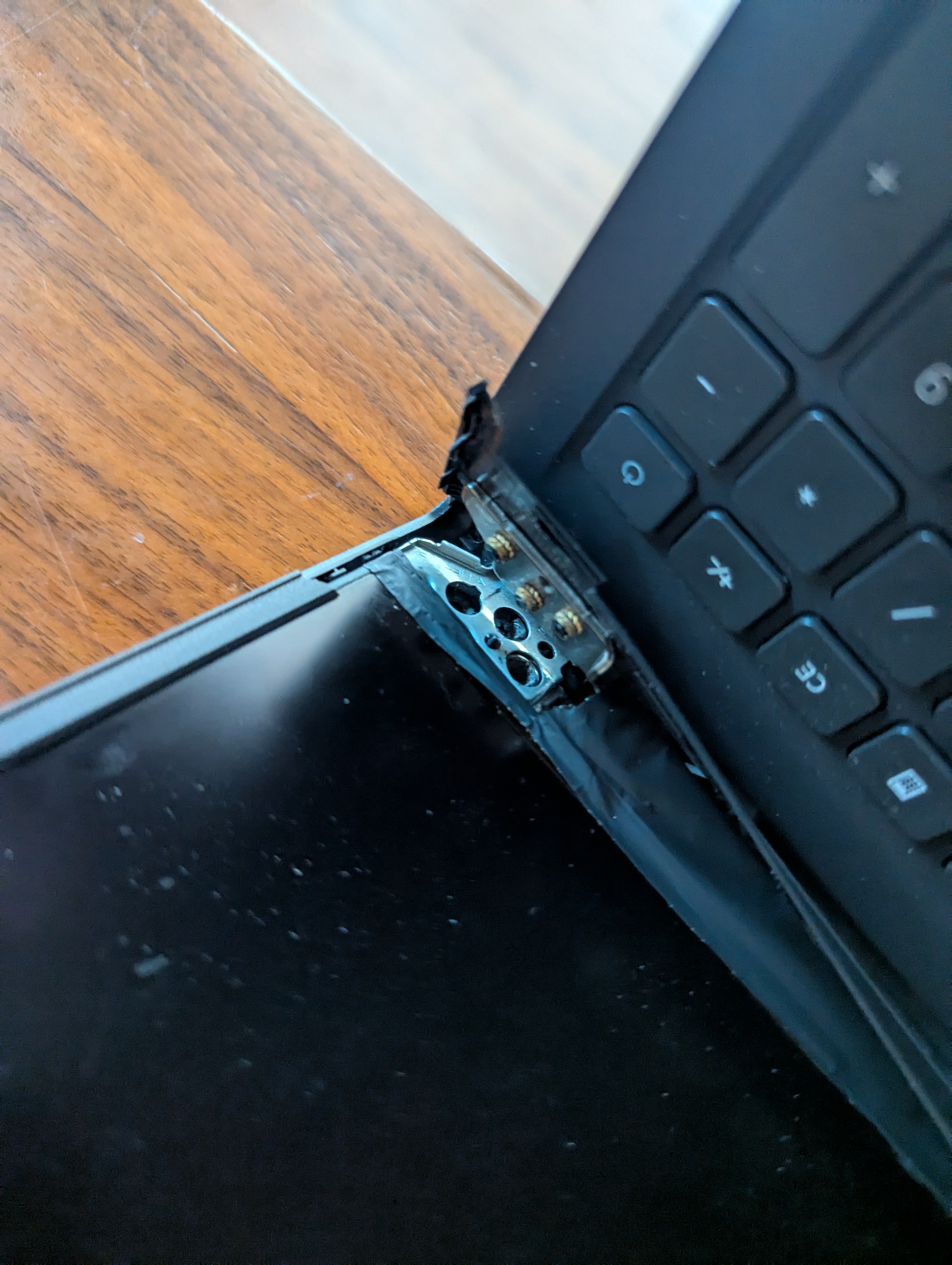
In the heat of a Central Texas summer, Dell Inspiron and Latitude batteries are prone to “swelling.” If your touchpad is hard to click or the palm rest looks slightly curved, stop using the laptop immediately.
A swollen battery is a pressurized fire hazard. At Pro-Xi, we safely extract these “spicy pillows” and recycle them according to environmental standards.
4. Why Genuine Parts Matter for Dell
Dell laptops are notoriously picky. “Universal” chargers from big-box stores often don’t provide the correct signal to the motherboard, causing the laptop to throttle its speed to 10% of its capability. We always recommend and stock OEM-spec batteries to ensure your laptop runs at full speed.
Professional Dell Support in Hutto & Round Rock
Don’t let a dead battery tether you to a wall outlet. Whether you’re working from home in Siena or running a business in Old Town Hutto, Pro-Xi offers fast, local service.
Our Dell Battery Service Includes:
- Full internal dust cleaning (to prevent future heat damage)
- Battery calibration and stress testing
- Secure 24/7 drop-box for your convenience
Need a Quote? Request a Repair Estimate or Visit our Pricing Page to see our transparent flat-rate diagnostic fees.