· Hardware Tips · 2 min read
5 Signs Your MacBook Battery Needs Replacing
Is your laptop dying at 30%? We look at how to check your cycle count and when it's time for a professional swap in Hutto.
Why Battery Health Matters in Central Texas
In Hutto’s heat, lithium-ion batteries face extra stress. High temperatures can accelerate chemical aging, leading to reduced capacity or—worse—physical swelling. If your MacBook isn’t as portable as it used to be, it might be time for a refresh.
1. The “Service Recommended” Warning
This is the most obvious sign. macOS is actually quite good at monitoring itself.
How to check your status:
- Hold the Option key on your keyboard.
- Click the Apple Menu () in the top-left corner.
- Select System Information.
- Under the Hardware section, click Power.
- Look at Health Information.
If the condition says “Service Recommended” or “Replace Soon,” the battery has degraded below 80% of its original capacity.
2. Unexpected Shutdowns
Does your MacBook suddenly go black when the battery icon still shows 20% or 30%? As batteries age, they lose the ability to provide “peak power” during intensive tasks. When the system asks for power the battery can’t give, the Mac shuts down to protect the hardware.
3. Short Runtime
If you find yourself hunting for an outlet at a local coffee shop after only an hour of work, your battery’s “gas tank” has shrunk. Modern MacBooks should generally last 6–10 hours on a light load. If you’re getting less than 3, it’s failing.
4. The “Wobbly” Trackpad or Case
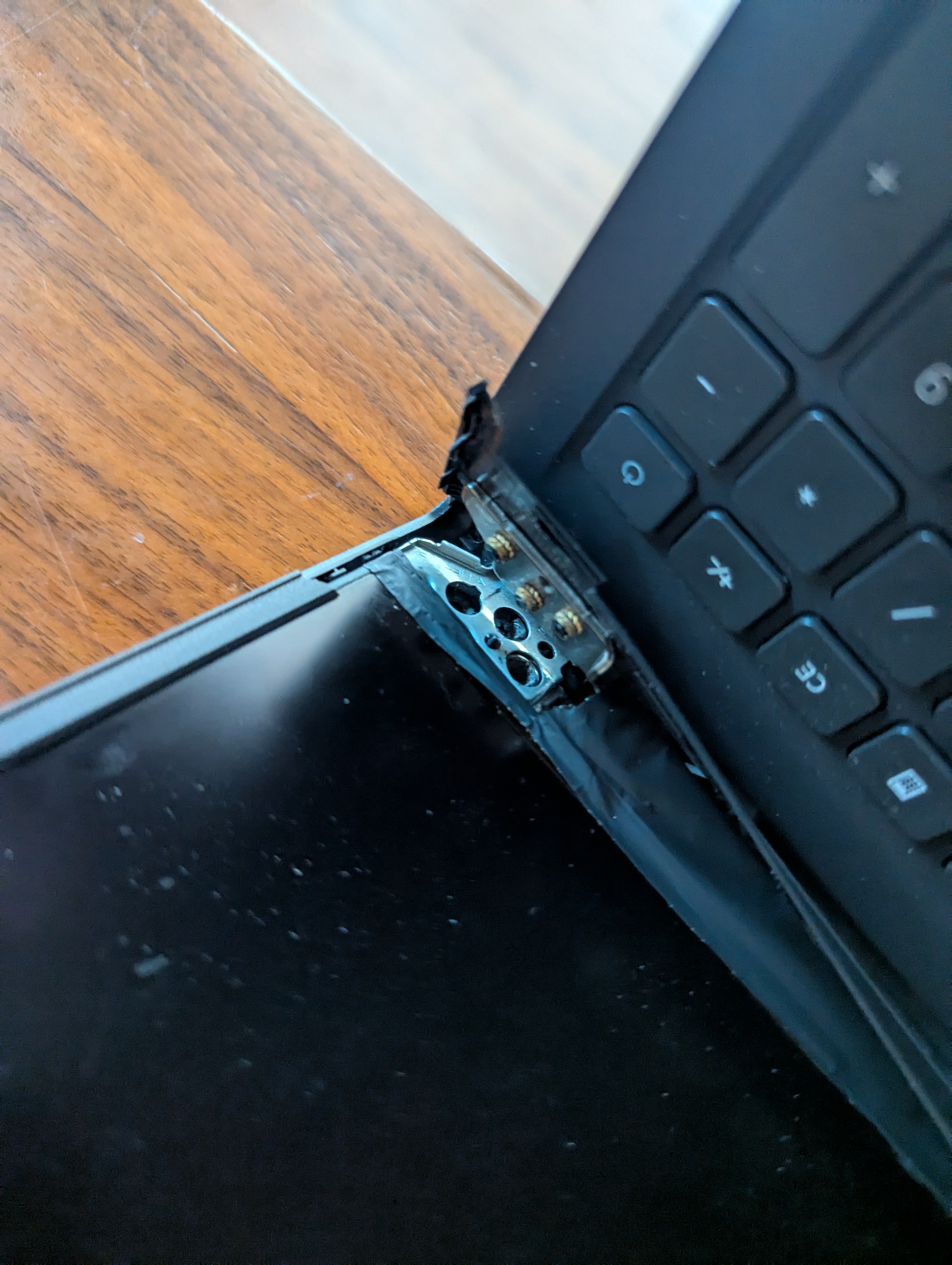
This is a safety issue. When batteries fail, they can sometimes off-gas and swell. This pressure often pushes against the underside of the trackpad, making it hard to click, or causes the bottom of the laptop to bulge so it doesn’t sit flat on a desk.
Warning: If your laptop case is bulging, do not press down on it. This is a fire hazard. Bring it in for a secure replacement immediately.
5. High Cycle Count
Every battery has a limit. Most modern MacBooks are rated for 1,000 cycles. A cycle is one full discharge and recharge. If you are nearing or over 1,000, the chemical components are simply worn out.
Get Your MacBook Back to Full Power
At Pro-Xi, we perform professional battery replacements right here in Hutto. We don’t just swap the part; we clean out the internal dust buildup that causes the heat issues in the first place.
Ready for a refresh? Book a Repair or Send us a message to get a quote for your specific model.