· Maintenance · 3 min read
5 Tech Red Flags: If Your Computer Does This, Back Up Your Photos Immediately
Don't wait for the "Blue Screen of Death." If your laptop is showing these 5 warning signs, your data is at risk. Here is how to spot a failing drive in Hutto.

5 Tech Red Flags: If Your Computer Does This, Back Up Your Photos Immediately
At Pro-Xi Tech Support, the hardest conversations we have with our Hutto neighbors are the ones where we have to say, “The data is gone.” Computers rarely die “instantly.” Usually, they spend weeks or months waving “Red Flags” that something is wrong inside. If you notice any of these five signs, stop what you are doing and back up your irreplaceable photos and documents immediately.
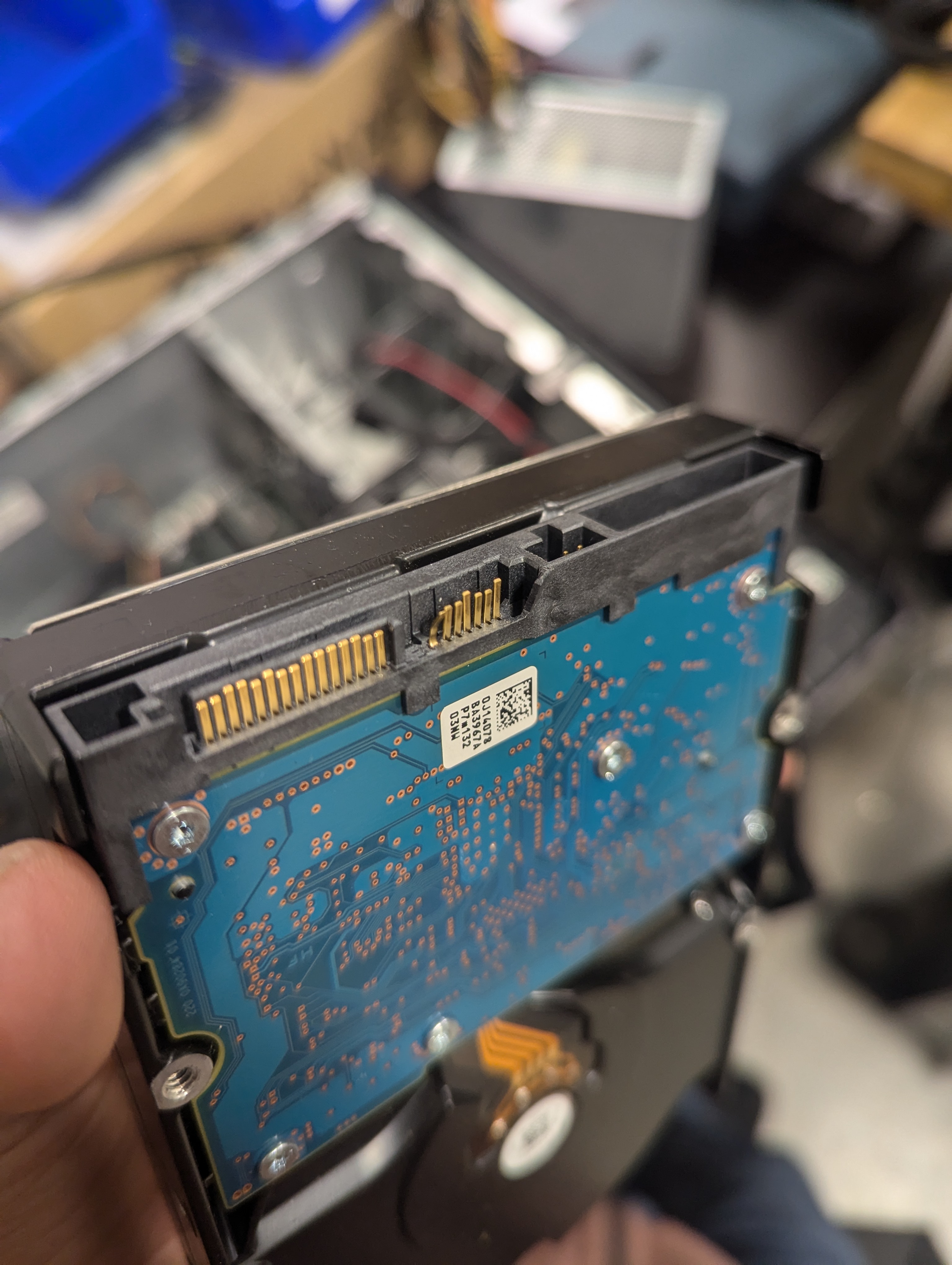
1. The “Click of Death” or Grinding Noises
If your computer sounds like it’s “crunching” or making a rhythmic clicking noise, your hard drive is physically failing.
- The Risk: Mechanical parts inside are scraping against the disks where your data lives.
- The Pro-Xi Tip: Turn the computer off. Every second it stays on, more data is being physically destroyed.
2. The Random “Disappearing” File
Have you ever looked for a folder you know was on your desktop, but it’s just… gone? Or perhaps a photo won’t open because it’s “corrupted”?
- The Risk: This is often the first sign of “Bad Sectors.” Your computer is losing its ability to read specific parts of the drive.
- The Action: Don’t try to “fix” it with software. Move your most important files to a USB drive or the Cloud right now.
3. The Sudden “Slowdown” (Not Internet Related)
If it takes 10 minutes just to reach your desktop, or if the mouse “freezes” for 30 seconds at a time, your hardware is likely struggling to communicate.
- The Risk: When a drive is dying, the computer spends all its energy trying to read one tiny piece of data over and over, causing the whole system to lag.
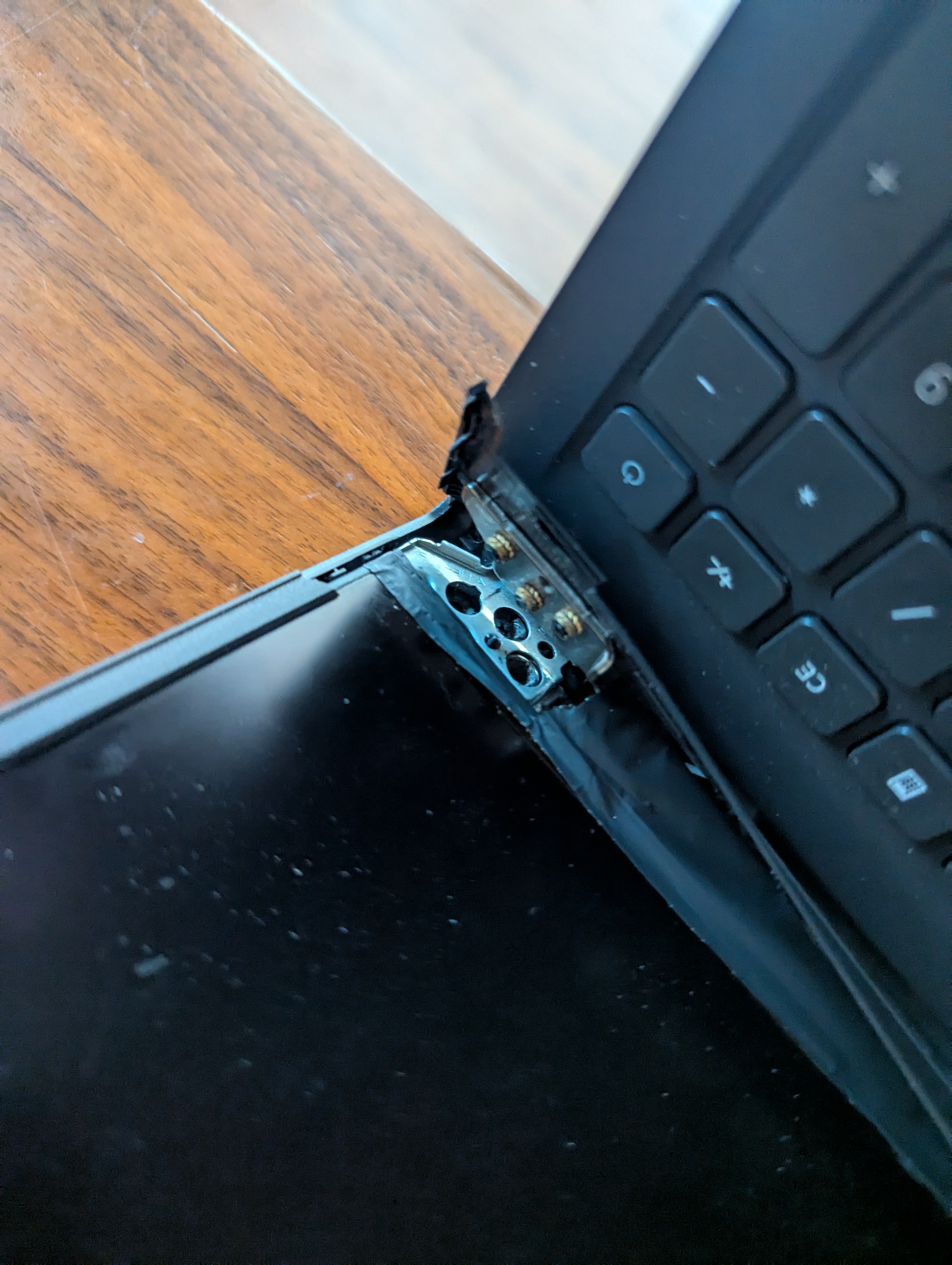
4. “Clicking” or “Popping” in the Hinge
This isn’t just a cosmetic issue. Many modern laptops have the Wi-Fi antennas and Screen cables routed through the hinges.
- The Risk: If that hinge is broken (a specialty of ours here at Pro-Xi!), it can eventually pinch or sever the cables, leading to a short circuit that can kill the entire motherboard.
- The Fix: If you see the plastic casing separating near the screen, bring it to our Almquist St drop-box before it snaps for good.
5. Excessive Heat and Fan Noise
Is your laptop hot enough to cook an egg? Does the fan sound like a jet engine taking off from the Austin Executive Airport?
- The Risk: Heat is the #1 killer of electronics. If your fans are clogged with Hutto dust, your components will eventually “bake” themselves until they fail.
Better Safe Than Sorry
Don’t gamble with your memories. If your computer is acting strange, follow the Rule of Three:
- Keep a copy on your Computer.
- Keep a copy on an External Drive.
- Keep a copy in the Cloud.
Need a Data Rescue?
If your computer has already stopped turning on, don’t panic. We specialize in data recovery and hardware stabilization. Bring your device to Pro-Xi for a professional assessment. We can often pull your photos off a “dead” machine and move them to a new, reliable drive for you.
Visit us at 226 Almquist St, Hutto, TX.
Urgent Repair? Call or Text: 512-766-3825